Backblaze vs Carbonite: Which Unlimited Backup Is Better?
Backblaze and Carbonite both offer unlimited backup for one computer. We compare pricing, external drives, retention and restore options.

Backblaze is our preferred unlimited cloud backup for most people because its standard plan includes a simpler feature set and lower normal annual price. Carbonite remains a credible alternative for users who prefer its established, tiered service, but important features such as external-drive and automatic video backup require higher plans.
Both services sell unlimited backup for one Windows PC or Mac. That makes this a closer comparison than Backblaze versus a capacity-limited provider. The decision comes down to what each base plan includes, retention, restore options and how many upgrades are needed.
Backblaze vs Carbonite: quick comparison
| Feature | Backblaze Personal Backup | Carbonite Safe |
|---|---|---|
| Normal annual price | $99 for one computer | Basic $95.99; Plus $131.99; Prime $161.99 |
| Storage | Unlimited | Unlimited |
| Computers | One per licence | One per Personal licence |
| External drives | Included under the standard computer-backup service | Requires Plus or Prime |
| Automatic video backup | Included subject to exclusions | Reserved for higher Carbonite tiers |
| Default version history | 30 days; one year can be enabled free | Carbonite retention rules apply and should be checked for the chosen platform |
| Physical recovery | Download and physical-media options | Courier recovery associated with eligible higher plans |
| Our winner | Best overall value | Consider for its tiered recovery offering |
Pricing and plan structure
Backblaze keeps Personal Backup straightforward: $9 monthly, $99 annually or $189 for two years, with unlimited storage for one computer. The longer terms reduce the effective monthly cost, but the feature set is broadly the same.
Carbonite divides Personal Backup into Basic, Plus and Prime. Official normal annual prices are $95.99, $131.99 and $161.99 respectively, although introductory discounts may be advertised. Basic protects one computer with unlimited storage. Plus adds features including external-drive backup and automatic video backup, while Prime adds eligible courier recovery services.
The comparison is therefore not simply $99 against $95.99. A user who needs an external drive protected should compare Backblaze’s standard plan with Carbonite Plus, not Carbonite Basic.
Backup coverage
Backblaze automatically selects common user data and backs up connected external drives, provided the drive is reconnected within the required period. It excludes operating-system and application files because it is intended for data recovery rather than full system imaging.
Carbonite also runs automatically, but its tier structure matters. Basic is aimed at the internal drive and does not provide every file-type feature automatically. Users with video libraries or external disks should examine Plus or Prime before relying on the service.
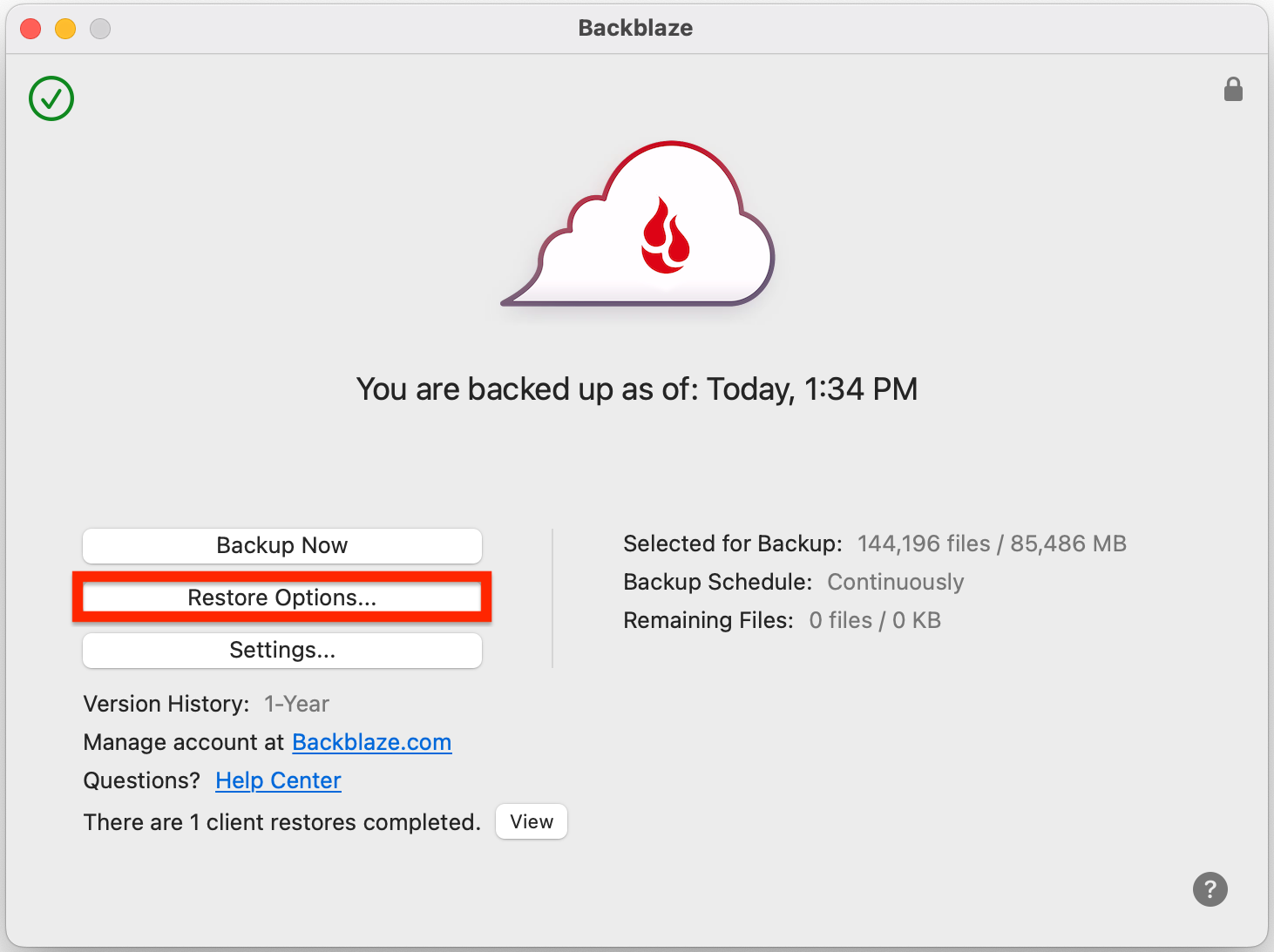
Ease of use
Both products are designed to operate quietly in the background. Backblaze is particularly easy to understand because there is one main consumer feature set. Carbonite remains approachable, but buyers must first identify the correct tier.
On either service, allow the initial upload to finish before assuming protection is complete. A large collection can take days or weeks on a typical home upstream connection. Keep the computer awake when possible and review warnings for files that remain unprotected.
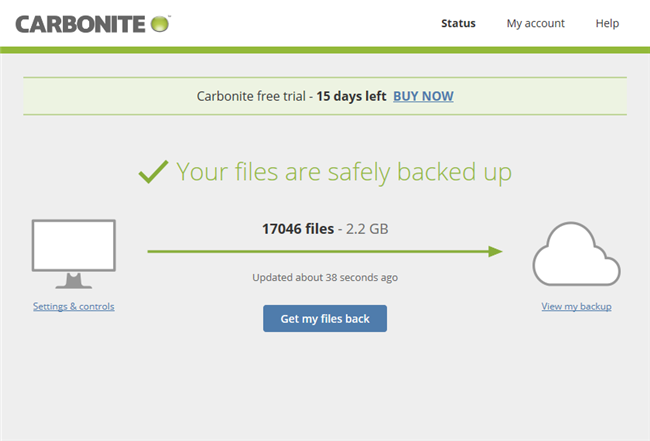
Version history and retention
Backblaze stores deleted and changed files for 30 days by default. Users can enable one-year history free, while Forever Version History charges for data kept beyond the first year. This is unusually clear and gives users a meaningful protection upgrade without changing the base subscription.
Carbonite uses a version and deletion-retention policy that varies by file age and platform. It should not be described as permanent archival storage. Check the current Carbonite policy and restore an older file during the trial so you understand what is available.
Restore experience
Backblaze offers downloadable restores and physical-media recovery options. The latter can be useful when a broadband connection makes a multi-terabyte download impractical. Costs, deposits, availability and return terms should always be confirmed at the time of recovery.
Carbonite supports online recovery and promotes courier recovery with eligible Prime plans. This is one of Carbonite’s differentiators, but it also means the customer pays for a higher tier to obtain that recovery route.
Security and privacy
Both providers encrypt data and offer account-security features. Enable multi-factor authentication and keep the recovery email current. If you select a private encryption option, store the key securely because a provider cannot restore access to data encrypted with a lost customer-only key.
Cloud backup protects against local loss, but it does not remove the need for a second copy. A periodically disconnected external drive can provide faster local recovery and separation from online account problems.
Which should you choose?
Choose Backblaze if:
- you want unlimited backup without choosing between several feature tiers;
- you need external-drive protection at the standard price;
- you want one-year version history without an extra subscription fee;
- you have a large data set on one computer.
Choose Carbonite if:
- you prefer Carbonite’s established desktop workflow;
- the chosen tier clearly includes every file type and drive you need;
- you value the courier-recovery option available with an eligible higher plan;
- an introductory offer remains competitive after checking renewal cost.
Final verdict
Backblaze is the stronger recommendation for most personal users. Its standard annual plan costs slightly more than Carbonite Basic at normal pricing, but the included external-drive coverage and clearer version-history option give it the better overall package. Carbonite becomes more competitive when its specific recovery service or familiar workflow is important enough to justify Plus or Prime.
For the complete detail, read our Backblaze review and Carbonite review. Multi-device households should also consider the alternatives in our personal cloud backup guide.
Frequently asked questions
Are Backblaze and Carbonite really unlimited?
Both advertise unlimited Personal computer backup, but each subscription protects one computer and remains subject to exclusions, retention rules and acceptable-use terms.
Which service backs up external drives?
Backblaze includes connected external drives in its standard computer-backup service. Carbonite requires Plus or Prime for external-drive backup.
Which is cheaper?
Carbonite Basic has a slightly lower normal annual price, but a feature-equivalent comparison may require Carbonite Plus. Always compare renewal prices rather than temporary discounts.
Can either restore an entire operating system?
These are primarily file-backup products. Users who need full-disk imaging and bare-metal recovery should consider a system-imaging product such as Acronis True Image.
Sources
Details checked 23 September 2026. Prices shown are normal US list prices before temporary promotions.