Your data deserves a backup plan that actually works.
Clear, independent reviews and comparisons to help you choose reliable cloud backup—for your files, family or business.
Backup health check
What should you protect?
Backup needs change with what is at stake.
Start with advice matched to the files, devices and responsibilities you need to protect.
Protect my personal files
Photos, documents and memories across Windows PCs, Macs, phones and external drives.
- ✓ Simple automatic backup
- ✓ Family and multi-device plans
- ✓ Photo and video protection
- ✓ Easy file recovery
Protect my business
Employee devices, client work, Microsoft 365, servers and business-critical information.
- ✓ Central management
- ✓ Ransomware resilience
- ✓ Retention and compliance
- ✓ Tested recovery options
Backup advice built around your risk—not a sales commission.
We separate genuine backup tools from ordinary cloud storage, test the details that matter, and explain the compromises before you subscribe.
Best Cloud Backup Services
Our shortlist for dependable protection, fair pricing and usable restores.
View the guide → For teamsSmall Business Backup
Compare admin controls, retention, ransomware protection and support.
Compare business tools → Pricing decodedCloud Backup Costs
Understand storage limits, device charges, renewals and hidden extras.
See real costs →Latest from Cloud Backup Guide
New reviews, comparisons and practical guidance, kept separate so you can go directly to the type of advice you need.
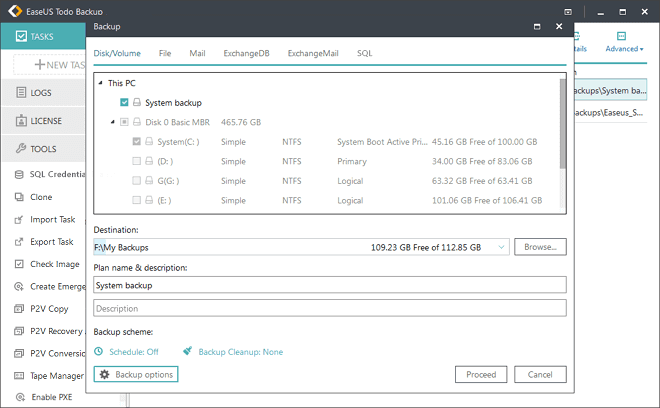
EaseUS Todo Backup Review 2026: Is It Worth It?
EaseUS Todo Backup combines Windows system imaging, file backup, disk cloning and cloud storage. Our independent review examines its plans, strengths and…
Read more →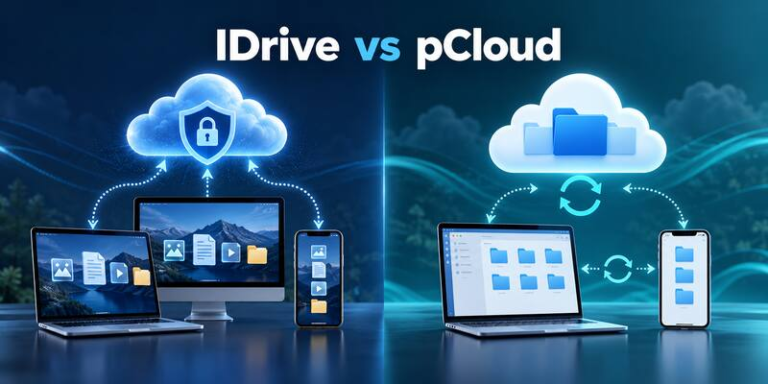
IDrive vs pCloud: Which Is Better for Backup in 2026?
IDrive is stronger for multi-device backup, while pCloud excels at storage, syncing and lifetime plans. Compare features, pricing, privacy and recovery.
Read more →
Best Cloud Backup Services in 2026: Personal and Business Picks
We compare the best cloud backup services for individuals, freelancers and small businesses, including Backblaze, IDrive, Acronis, Carbonite and CrashPlan.
Read more →A recommendation is only useful if you can trust the process.
Every review follows the same evidence-led framework, making providers easier to compare and our conclusions easier to challenge.
Read our full methodology →- 01
Assess the protection
Encryption, account security, version history, retention and recovery options.
- 02
Test the experience
Setup, backup controls, performance, mobile access and the restore journey.
- 03
Calculate the real price
Introductory offers, renewal costs, device limits and charges that change the value.
- 04
Explain who it suits
Clear strengths, shortcomings and alternatives—without hiding behind a score.
Make your first backup decision with confidence.
Start with our plain-English guide to cloud backup versus cloud storage.